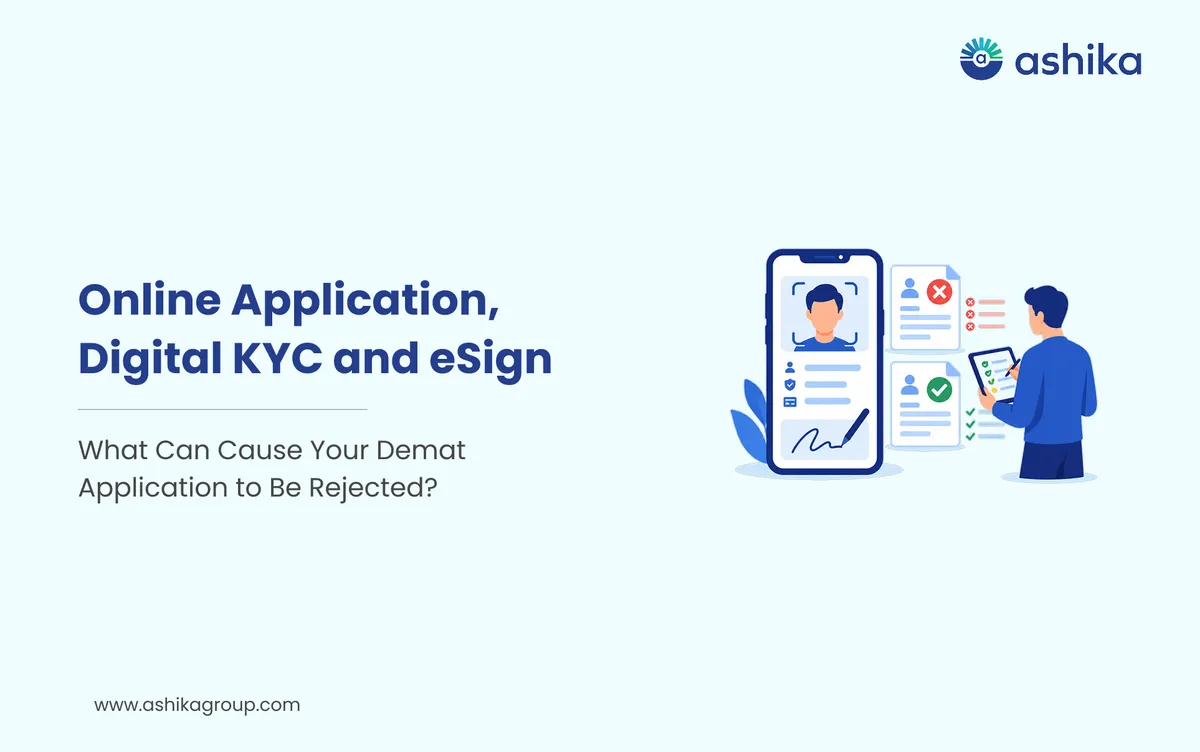
Opening a Demat account online has been greatly simplified with digital KYC, Aadhaar based verification and e-signatures. You can actually do a large part of the process via your mobile phone or computer without having to go into a broker's office at all or submit any physical documents.
A paperless process doesn't mean automatic approval. Your application will still have to go through identity, address, bank and all the other required verifications. A minor mismatch in your details or a slightly unclear document upload can see the application delayed or even rejected.
If you're looking at opening an account with an equity trading platform in India then it's worth noticing these common mistakes so that you can complete your application accurately.
Table of Contents
- How does the paperless Demat account opening process work?
- Why Do Paperless Demat Account Applications Get Rejected?
- 1. Name or Date of Birth Mismatch
- 2. Blurry or Incorrect Document Uploads
- 3. PAN or KYC Verification Issues
- 4. Incorrect Bank Account Details
- 5. Signature Mismatch or Poor Image Quality
- 6. Incomplete Video Verification or eSign
- 7. Incorrect or Missing Nomination Details
- What should you do if your application is rejected?
- Paperless Demat Account Opening: A Final Checklist
- Final Thoughts
- Frequently Asked Questions
How does the paperless Demat account opening process work?
A Demat account holds your shares and other eligible securities in electronic form. In India you can open one via a DP (Depository Participant) that is registered with either NSDL or CDSL.
The online account opening process generally involves the following steps:
- Choose a Depository Participant: Select a SEBI-registered DP or broker that offers Demat account services.
- Enter your personal details: Provide your name, PAN, date of birth, address, mobile number and email address.
- Complete KYC verification: Submit the required identity and address details. Existing KYC records may be retrieved from a KYC Registration Agency (KRA), subject to applicable verification.
- Verify your bank account: Enter your bank details and complete the verification process required by the DP.
- Complete photograph and video verification, if required: Follow the instructions for live photograph capture or Video In-Person Verification (VIPV), where applicable.
- Upload your signature: Submit a clear image of your signature in the specified format.
- Complete electronic signing: Review the application and use the permitted eSign facility to digitally sign it.
Once the DP has carried out their checks and approved the application your Demat account is opened. The process will of course vary from DP to DP and depending on the method of verification you're using.
Why Do Paperless Demat Account Applications Get Rejected?
1. Name or Date of Birth Mismatch
One of the reasons for rejection is that the personal details don't match across the PAN, the Aadhaar, the bank records and the application form.
For instance your name might have a middle name in one document and not in another. A discrepancy in the spelling of your name or your date of birth can also trigger further verification.
How to avoid it: Enter your details exactly as they appear in the relevant official records. If your name has legally changed, keep the supporting documents ready and follow your DP’s instructions.
2. Blurry or Incorrect Document Uploads
Uploading blurry photos or cropped documents can make verification very difficult. Missing corners, glare, shadows and illegible text can all result in you being asked to provide fresh documents.
How to avoid it: Take a clear scan or photograph. Make sure the whole document is visible, the text is legible and the file is of the correct size and format for the platform.
3. PAN or KYC Verification Issues
PAN is a mandatory requirement for securities market KYC. If your PAN details cannot be verified or there are any discrepancies in your KYC record the application will be held for clarification.
How to avoid it: Ensure your PAN is valid and your KYC details are correct. If your existing KYC is out of date then ask your DP how you go about updating/validating it prior to proceeding.
4. Incorrect Bank Account Details
Your bank account details are required for account opening and for the receipt of payments (e.g. dividends). An incorrect account number, IFSC or name mismatch will result in the bank verification being delayed.
How to avoid it: Enter your bank details carefully. Use an accepted bank statement, cancelled cheque or other acceptable proof if asked. Make sure the account is active and that the account holder details match those on your application.
5. Signature Mismatch or Poor Image Quality
Your uploaded signature must be clear and suitable for verification. If it's cropped, blurred or otherwise significantly different to the one in your supporting documentation it could result in rejection.
How to avoid it: Sign on a clean white sheet using a blue or black pen, if instructed. Upload a clear image without unnecessary background marks or editing.
6. Incomplete Video Verification or eSign
Some applicants do nothing but half-way through the onboarding process or simply fail to complete an authentication step. An incomplete video verification, a failed OTP or an unsuccessful eSign will all prevent the application from progressing.
How to avoid it: Do each verification step properly. Use your own registered mobile number and follow the DP's instructions to the letter. Make sure you have a good internet connection and adequate lighting if you're being asked to do a video verification.
7. Incorrect or Missing Nomination Details
At account opening you may be asked to provide nominee details or to record your decision to opt out of nomination (as is permitted under the relevant rules). Incomplete information or missing declarations will of course hold up the application.
How to avoid it: Read the nomination section carefully. Provide the requested details accurately or complete the applicable opt-out declaration.
What should you do if your application is rejected?
If your application is rejected or placed on hold then don't just go straight and start another one. Firstly check the message or email from your DP to establish precisely why.
Follow these steps:
- Read the rejection notification and work out which document or detail needs to be corrected.
- Compare the information in your application with your official records.
- Upload the corrected document via the DP's website or app.
- Complete any outstanding KYC, video verification or eSign requirements.
- If you're not clear as to why your application has been rejected then please contact customer support.
Keep your application reference number to hand if you need to get in touch with the DP. This will assist the support team in finding your application and will allow them to explain what comes next.
Paperless Demat Account Opening: A Final Checklist
Before submitting your application, make sure you have:
- A valid PAN and correct KYC details.
- Accepted identity and address documentation.
- Correct and active bank account details.
- A clear photograph and signature image as required.
- Access to your registered mobile number and email address.
- Completed all the relevant verification and eSign steps.
- Go through the application for spelling and data entry errors.
Ready to open yours?
Free account opening · Paperless eKYC · Live in 10 minutes
Final Thoughts
The paperless Demat account opening process will save you time and eliminate the need for a pile of paperwork. It will still be necessary to provide the correct information and to complete the requisite verification checks in order to successfully onboard.
Before you apply via an equity trading platform in India, check your documents, verify your KYC details and make sure you follow each instruction to the letter. A few minutes of checking your application prior to submission can go a long way to avoid all sorts of delays.
Frequently Asked Questions
Can my Demat Account application be rejected even if my PAN and Aadhaar are valid?
Yes. Approval also depends on matching personal details, bank verification, document quality and completion of all required KYC steps.
What should I do if my PAN and Aadhaar have different name formats?
Check the details recorded in your official documents and follow your DP’s instructions for resolving the discrepancy. You may need to provide supporting documents.
Can I reopen a Demat Account application after it has been rejected?
Usually, you can correct the issue and resubmit the application or complete the pending steps, depending on your DP’s process. Check the rejection reason before starting a fresh application.
Does a failed video verification mean I have to restart the entire account opening process?
Not necessarily. Your DP may allow you to repeat the video verification. Follow the instructions in the notification or contact customer support for the next steps.
Can I complete Demat Account opening if my registered mobile number is not linked to Aadhaar?
It depends on the verification method offered by the DP. If Aadhaar-based OTP authentication is required, you may need access to the mobile number linked to Aadhaar to complete that step.
Was this article helpful?
Thanks for your feedback!
 7 min read