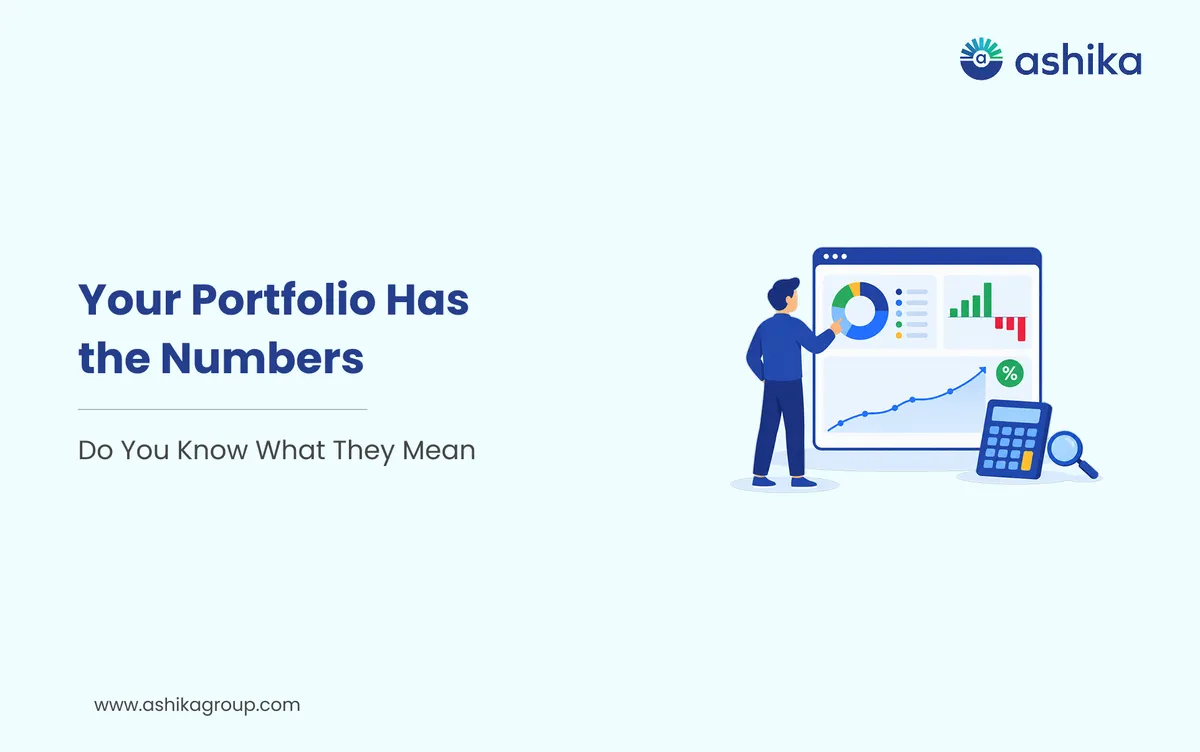
Investing in the stock market doesn't end when you buy the shares. You then have to keep an eye on your holdings, track how the values of your shares are changing and review the returns on your investments. A portfolio management app in India can be a real timesaver in this respect as it brings all your shareholdings and their performance together in one place.
Three key things to watch are your shares, your P&L and your XIRR. Each of those gives you a different view of your investments. Your shares will tell you what you actually own. Your P&L will tell you how much you've made or lost on those investments. Your XIRR will tell you your annualised return if you've invested or withdrawn at various times.
Here's how you can use these measures to review your portfolio.
Table of Contents
- 1. Start by Reviewing Your Shareholdings
- 2. Understand Your Profit and Loss (P&L)
- 3. What is XIRR and why does it matter?
- 4. How to Track Shares, P&L and XIRR on an App
- 5. Common Mistakes to Avoid While Tracking Your Portfolio
- 6. Make Portfolio Reviews Part of Your Investing Routine
- Frequently Asked Questions
1. Start by Reviewing Your Shareholdings
Your portfolio starts with the shares you own. A portfolio management app will typically show you your holdings along with the detail of the company name, number of shares, average purchase price, current market price and current value.
For instance, if you buy 20 shares of a company at ₹500 each your total purchase value is ₹10,000. If the share price subsequently rises to ₹550, the market value of your holding is now ₹11,000.
Your portfolio may display these details:
- Company name: The stock you have bought.
- Quantity: The number of shares you hold.
- Average purchase price: the average price paid per share.
- Current market price: The most recent market price of the share.
- Current value: The market value of your entire holding.
These details will help you to see how your portfolio is spread across companies and across sectors. They may also help you to see whether one particular share has become a very significant part of your portfolio.
Remember the market value shown is subject to change with share price. It's not a guaranteed amount you'll get should you decide to sell your shares.
2. Understand Your Profit and Loss (P&L)
Profit and loss (commonly known as P&L) shows you the profit or loss on your investments. Most portfolio management apps will show your P&L in rupee terms and will also show the % change.
There are two important types of P&L to understand:
Realised P&L: This is the P&L on investments you have already sold. So if you buy shares for ₹10,000 and sell them for ₹12,000 your realised profit is ₹2,000 prior to any applicable charges and taxes.
Unrealised P&L: This is the gain or loss on the shares you still have in your portfolio. If you'd invested ₹10,000 and your shares are now worth ₹11,000 then your unrealised gain is ₹1,000. That figure will of course vary as the market price of the shares changes.
Some apps will also provide you with a consolidated P&L view so you can look at the performance of your investment across a range of holdings or time periods.
When you're looking at a P&L, look beyond the total. Consider the holding period, the transaction costs and the taxes. Check whether the figure you're looking at includes the brokerage and all other charges as the calculation can be very different from one platform to another.
3. What is XIRR and why does it matter?
XIRR is the Extended Internal Rate of Return. It's the annualised return on an investment where the cash flows occur on different dates.
This is particularly useful in the case of investing via a SIP, making a number of individual stock purchases or adding money to your portfolio at irregular intervals.
Here's an example: You invest ₹5,000 in a share in January, ₹5,000 in April and ₹10,000 in September. The money has been invested for different lengths of time as each investment was made on a different date.
A simple return calculation won't necessarily capture the difference. XIRR takes into account the dates and the amounts of the cash flows to arrive at an annualised return.
In a portfolio management app XIRR will be shown as a % and can be used to assess the performance of your investments over time (taking into account the timing of your contributions and withdrawals).
XIRR is not a forecast of future returns. It's a calculation based on the cash flows and valuation that the app uses. The result may also be different depending on whether dividends, charges and the like are included.
4. How to Track Shares, P&L and XIRR on an App
The exact layout varies across platforms, but you can generally follow these steps:
Step 1: Log in to your portfolio management app. Log in to the official app using your credentials.
Step 2: Head to the Portfolio section. Look for sections such as Holdings, Investments or Portfolio to see your shares and their current values.
Step 3: Review your individual holdings. Check the quantity, average purchase price and current market price of each stock. Look for any change in the value of your investments.
Step 4: Go into the P&L section and have a look at your realised and unrealised P&L. If you have the facility, select a period to see how your portfolio has performed over that time.
Step 5: Check your XIRR. Go to the returns/performance section and have a look at the XIRR that's displayed. Make sure you check the period and the method of calculation that the app has used before you go any further with the figure.
Step 6: Review your portfolio regularly. Look at your holdings and performance over time. Don't make any decisions on the basis of a single price move or a single return figure.
5. Common Mistakes to Avoid While Tracking Your Portfolio
Portfolio tracking is useful only when you understand what the numbers represent. Keep these common mistakes in mind:
- Confusing unrealised gains with actual profits. An increase in market value does not constitute a realised profit until you actually sell the investment.
- Ignoring transaction costs: Brokerage, statutory charges and taxes can affect the final amount you receive.
- Comparing returns without considering time: A 10% return over six months is not directly comparable to a 10% return over two years.
- Looking only at overall P&L: A positive portfolio-level figure may hide losses in individual holdings.
- Treating past returns as a guarantee: Previous performance does not ensure similar results in the future.
It's also important to periodically check your app's data against your contract notes, bank statements and Demat account statements.
Ready to open yours?
Free account opening · Paperless eKYC · Live in 10 minutes
6. Make Portfolio Reviews Part of Your Investing Routine
A regular portfolio review will help you to understand your investments and spot any changes that may require your attention. You don't need to be monitoring every price movement throughout the day. Just set aside some time at a frequency that is appropriate to your approach.
Review your shareholdings, check your realised and unrealised P&L and use XIRR to work out your returns across a range of investments which you've made on different dates. Always bear your financial objectives, your investment horizon and your risk tolerance in mind before you make any changes to your portfolio.
A portfolio management app in India could well make it easier to get to that information in one place. The numbers are just for you to use in understanding your portfolio, they're not a buy/sell instruction for any particular share.
Frequently Asked Questions
Why does my portfolio show a profit even though I haven't sold any shares?
Your app may be showing an unrealised profit based on current market prices. It becomes a realised profit only when you sell the shares.
Why is my portfolio's XIRR different from its absolute return?
Absolute return measures the overall gain or loss against the amount invested, while XIRR annualises returns by accounting for the dates and amounts of individual cash flows.
Can my XIRR be negative even if some of my shares are in profit?
Yes. XIRR considers the timing and value of all cash flows, along with your portfolio's current valuation. Gains in individual shares do not necessarily mean your overall XIRR will be positive.
Does the P&L displayed on my portfolio app include brokerage and taxes?
Not necessarily. The calculation varies across platforms. Check whether brokerage, statutory charges, other transaction costs and applicable taxes are included before interpreting the figure.
Why does my portfolio value differ from the amount I would receive if I sold all my shares?
Portfolio value is generally based on current market prices. The actual sale proceeds may differ due to price movements, liquidity, brokerage and other applicable charges and taxes.
Was this article helpful?
Thanks for your feedback!
 7 min read