Keeping the markets in the back of your mind can be quite a daunting thing to do, particularly when the prices are constantly in flux. You might well want to be aware of a few companies, be aware of key price levels and be up to date with the various market news without necessarily having to be constantly on the phone.
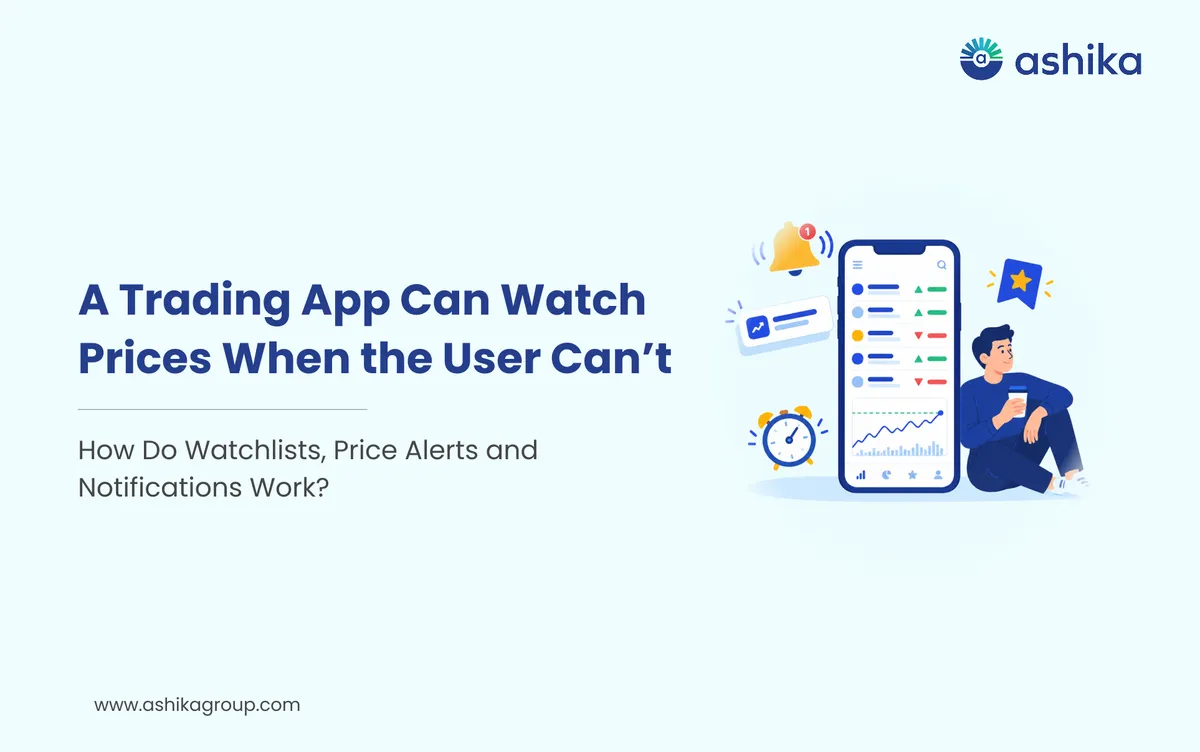
This is where your watchlists, price alerts and notifications within a stock trading app in India come in handy. You can use them to keep track of the stocks you're interested in, get alerts when there are relevant price movements and be kept up to date on any particular market events you've chosen to monitor.
However, it's not simply a case of turning on every single notification. It's about setting them up in line with your own interests and your own investment objectives.
Table of Contents
What is a Stock Watchlist?
A watchlist is a list of stocks that you want to keep an eye on on your trading platform. You can add companies that you already own, stocks that you're researching or indeed stocks that you may wish to track in the future.
If you're into banking, technology and automotive companies for instance you could create separate watchlists for each of those.
This makes it far easier to track the stocks you're interested in rather than having to go hunting for them each time.
A watchlist can help you:
- Keep a list of the stocks you're interested in.
- Compare price movements across the various companies.
- Monitor your existing investments.
- Organise your stocks by sector, theme or personal interest.
A watchlist doesn't mean you've invested in those stocks. It's just a way of keeping an eye on them and having all the relevant information in one place.
How do Price alerts work?
Price alerts will let you know when a stock reaches the price level you've set.
Suppose the stock is at ₹450 and you want to know when it hits ₹480. You could set a price alert at ₹480 (if your app allows you to do so).
When the stock hits the level specified in the app it can then send a notification.
Price alerts can be useful if you're looking to monitor a stock without having to check the price all the time.
You may set alerts for:
- A price level you'd want to be aware of.
- A stock nearing a previously identified level.
- A major price move (significant up or down).
- A price bracket relevant to your research.
A price alert is not an instruction to buy or sell. It simply means that the price you've set has been reached. You still have to look at the stock and work out what you want to do.
How to Set Up Your Stock Trading App Smartly
1. Create Watchlists Based on Your Interests
Start by identifying the stocks you want to be following. You can create different watchlists for stocks you own, stocks you're researching and companies in a particular sector.
Don't go and add a massive number of stocks at once. A smaller, more focused watchlist is likely to be a far better thing in terms of enabling you to concentrate on the companies that are actually of interest to you.
2. Set Price Alerts for Relevant Levels
Rather than setting an alert on every little price movement, go for levels that make sense in the context of your research.
For example you could set an alert to go off when a stock hits a price that you want to look at or when it's moved past a level that you're watching.
Use alerts as a reminder to check the stock, not as an automatic trading signal.
3. Enable Notifications You Actually Need
Most stock trading apps will have a variety of notifications available as part of their feature set.
These may include:
- Price alerts.
- Order execution updates.
- IPO and corporate action updates.
- Account-related notifications.
- Market news or research updates.
Choose the notifications that are useful to you. If your app is sending you a lot of promotional messages and general market updates then go into its notification settings and have a look.
4. Review Your Watchlists Regularly
Your interests may well change over time. A stock you were looking at last month may well be of no interest to you now.
Review your watchlists regularly and get rid of any stocks you no longer wish to be watching. It helps to keep your list in order and it keeps it useful.
Notifications: Stay Informed Without Getting Distracted
Notifications can be a good way of keeping you apprised of key account activity, but if you're getting too many of them you can end up being overwhelmed and it becomes harder to work out what's actually important.
For example order execution notifications can be used to confirm that an order has in fact been executed. Account alerts can be used to let you know about important account related changes or activity.
You can manage your notifications via your trading app and your phone's notification settings.
A few useful practices include:
- Keep your essential account and transaction alerts switched on.
- Choose price alerts carefully.
- Review or disable any unnecessary promotional notifications.
- Don't make any hasty decisions on the basis of just a notification.
A notification might come whilst you're in the middle of being busy, on the move or simply unable to properly assess the stock. Do take the time to understand what the notification is telling you before you take any action.
Common Mistakes to Avoid
One common error is to add too many stocks to your watchlist. A long list is difficult to keep track of and can in fact be more of a distraction than anything else.
Another error is setting up multiple price alerts for every little movement. That will just result in a flood of notifications.
Some investors will treat the price alerts as buy/sell recommendations. A stock hitting a certain price doesn't in itself mean it's a stock you should invest in.
Finally, don't just rely on the app alerts for any important financial news. You should always check the company's own announcements, the exchange's disclosures and the like when you're looking at a stock.
Ready to open yours?
Free account opening · Paperless eKYC · Live in 10 minutes
Final Thoughts
Watchlists, price alerts and notifications can make your stock trading app a lot more organised and convenient. They allow you to keep an eye on the stocks you're interested in, monitor price levels and be kept up to date with relevant account activity.
The smart way to use them is to keep your watchlists very focused, set your alerts appropriately and then manage your notifications from there.
An app that's well organised can help you keep a better eye on the market, but your investment decisions should always be based on your own research, your own financial circumstances and your own understanding of the risks involved.
Frequently Asked Questions
If I add a stock to my watchlist, does it mean I own shares in that company?
No. A watchlist only helps you monitor selected stocks. You become a shareholder only after purchasing shares and having them credited to your Demat Account.
Will I receive a price alert if a stock briefly touches my target price during market hours?
That depends on how your app processes price alerts, including its trigger conditions and notification settings. Check the app's alert terms to understand when an alert is generated.
Can a price alert automatically place a buy or sell order?
Not usually. A standard price alert only notifies you when a specified price condition is met. You must place an order separately unless your platform offers a distinct automated order feature.
Which stock market notifications should I keep switched on?
Prioritise order execution updates, account activity alerts and important security notifications. You can customise price and market updates based on the stocks and information you want to track.
Why do I sometimes receive a stock price alert later than expected?
Alerts may be delayed due to app settings, internet connectivity, device notification permissions or the platform's alert-processing system. Check the app and your phone settings if delays persist.
Was this article helpful?
Thanks for your feedback!

 7 min read